
Why does the file need a password?
The activator is hidden in the file with a password so that Windows Defender does not see or delete this file. It also helps to download the file without issues at any time without blocks. We have provided this to ensure you can obtain the file securely.
What program can be used to unzip?
You can unzip it using the archive tool WinRAR.
How to open or unzip the file?
You need to install WinRAR or any other ZIP archiver.
After that, simply open the file using WinRAR or right-click and select Extract Here.
When extracting an activator, it will ask for the password.

The password to unzip can be seen here:
Don’t worry, here is the password for the activator so you can unzip the encrypted ZIP file without issues… 😀
Password – windows
Now, enter the password provided below and enjoy this amazing Office activator. We added the password for security to help users prevent misuse of this activator. Always keep it secure.
 Note:
Note:
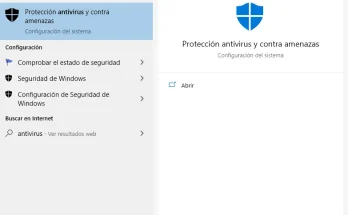
Disable your antivirus and Windows Defender before extracting the ZIP file.